My first leader in IT told me something early on: have a checklist. It sounded simple then. It matters more now.
Today an agent can write the code, run the build, and move on before you’ve finished your coffee. That speed is useful. It also makes it easy to lose track of what actually got done.
So I kept the checklist, and I gave it to the agent. Here is the loop.
How it works
The plan builds the checklist. My first prompt produces the plan, and the plan produces the checklist in Notion. One row per build step, in order.
The agent does the work. Each build prompt runs and the code gets written.
The checklist gets updated. The last step in my prompt template says: when you finish, take the summary of what you did and check off the matching rows in Notion. Claude, through an MCP server connected to Notion, does exactly that.
Here is what that looks like partway through a build:
Task
Done
Output
Phase
Prompt
Status
Repo and plan scaffold
✅
Repo, plan doc, ignore file
Foundation
00
Done
Environment discovery
✅
Environment inventory
Foundation
01
Done
Publisher and solution setup
✅
Publisher, solution, variables
Foundation
02
Done
Discovery addendum
✅
Naming and prefix check
Foundation
01.1
Done
Reference tables
✅
Core lookup tables
Data model
04
Done
What I get back:
A running record of where the build stands, without rereading prompt history.
A place to pick up after a break, a meeting, or a long weekend.
A way to review what was completed, not what I assume was completed.
Visibility from my phone, because Notion lives in the cloud and the checklist goes where I go.
The agent does the work. The checklist tells me the truth about it.
Tools change. The discipline doesn’t. Thank you, Dave.
If you build with agents, add one line to your prompt template: when finished, update the checklist.
For years I built automations wrong. It wasn’t that I didn’t know the technology. I was asking the wrong questions. A mentor taught me something that changed how I work: focus on the outcome. Transparent moment here — there were times I didn’t serve my customers as well as I could have because my thinking was too tactical, too event-driven, and not anchored to the goal.
Most automation workflows follow the same pattern: a trigger fires, actions run, decisions branch, and then the workflow stops until it fires again. Those steps matter. But when you step back and ask what all of those steps are actually trying to accomplish, you land on a more important question. What is your goal?
I meet clients constantly and they almost always lead with the same question: “can this tool meet my needs”? That’s fair. But here’s what I’ve learned. Every tool requires some concessions. If it can’t get you to your goal, it’s not the right tool regardless of how many features it has.
I want your business. That’s honest. But more than that, I want to earn the kind of relationship where you come back whether we sign this SOW or not, whether it’s next week or two years from now. That only happens if I actually help you get somewhere.
That question applies to how I run my own day too. I started asking myself what success actually looks like before I sit down to work, and the answer shaped everything. I want one place that reflects my entire day. Meetings, tasks, notes, all current, all in one spot. That goal is what drove me to build the morning process I now run every day with Claude Cowork as the orchestrator.
The Technology
The stack is intentionally minimal. Claude Cowork acts as the orchestrator, the intelligence that decides what needs to happen and in what order. It connects to Notion via the Notion MCP server, which gives it the ability to read and write directly to my Notion workspace. An AI orchestrator, a communication protocol, and a single workspace destination.
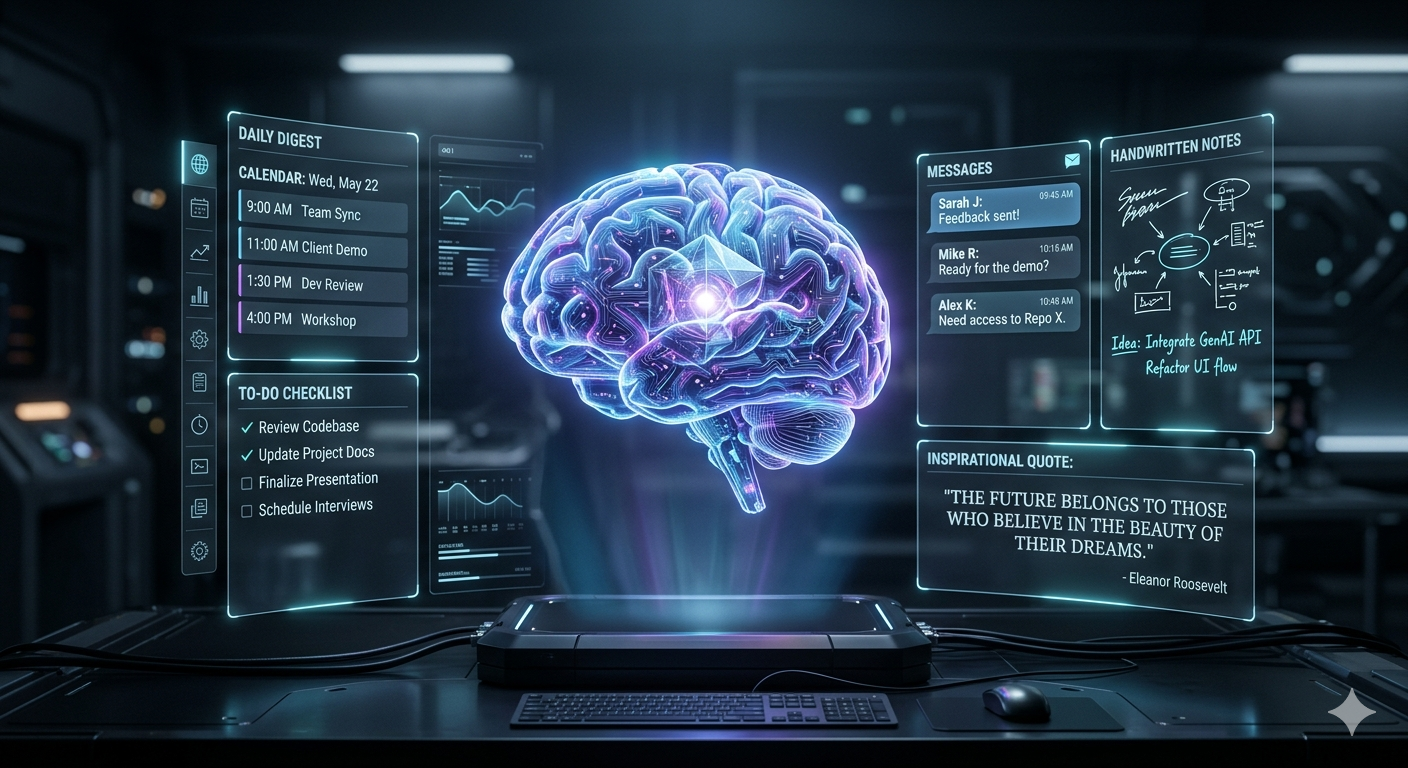
Each morning, the process kicks off by pulling my meetings for the day and placing them into a Notion database. From there it creates a daily digest, a dedicated entry that surfaces those meetings alongside the tasks I need to complete. It also creates a daily notes page and links it directly into the digest so everything is connected before I’ve touched a single thing manually.
Why the Goal-Driven Aspect Matters
Here’s where most automation falls short. It runs a checklist. Step one, step two, step three, regardless of what’s already been done, what’s changed, or what’s actually needed. That’s not intelligent orchestration. That’s a script with better branding.
What I wanted instead was a system oriented around a goal: my day workspace is current and usable. That’s it. Everything else, syncing meetings, creating the digest, linking notes, refreshing tasks, is in service of that goal. The orchestrator doesn’t ask what did I do yesterday. It asks what does today’s workspace need right now.
That distinction matters because my day doesn’t stop at 8am. Meetings get added, priorities shift, and sometimes I need the digest to reflect something that happened after the morning run. A goal-driven system handles that naturally. A midday refresh doesn’t restart the workflow from scratch. It checks what’s stale and updates only what needs updating. The digest gets updated, not recreated. The notes page preserves what I’ve written. Meetings that changed get synced and the ones that didn’t are left alone.
The Real Goal
What I’m ultimately working toward is managing my entire day from one place. Not a dashboard, not a report. A living workspace I can trust to be accurate whenever I look at it. The morning process gets it ready. The daytime refresh keeps it honest. Claude Cowork stops being an automation tool and starts being something closer to a daily operating system.
The goal isn’t to run a workflow. The goal is to always know where things stand.